

- DGFT Trade Notice 25/2026-27 (7 September 2026) opened an API for Certificates of Origin on the Trade Connect e-Platform. It covers both preferential and non-preferential certificates.
- There are three APIs: Authentication Token, CoO File (submit an application, receive the certificate) and Certificate Verification.
- Every request and response is digitally signed (SHA-256 with RSA, 2048-bit X.509 certificate), and calls are accepted only from whitelisted IP addresses.
Why it matters
A Certificate of Origin proves where goods were made. A preferential CoO lets your buyer claim the lower duty under a free-trade or preferential agreement. A non-preferential CoO is needed for customs clearance, compliance or trade-remedy purposes, with no tariff benefit.
Almost everything on a CoO (importer, invoice, HS codes, quantities, route) already sits in your invoice and shipment records. Until now it had to be typed again on the portal, once per shipment. The Open API lets your system send that data directly.
The three APIs
| API | You send | You get back |
|---|---|---|
| Authentication Token | User ID and password, from a whitelisted IP | An access token, valid for 60 minutes, which you can cache and reuse |
| CoO File | The signed application in DGFT's prescribed format | Acknowledgement and file details, then the certificate and its data once issued |
| Certificate Verification | File number, file date, certificate number, certificate date | Validity status, certificate PDF link and verification remarks |
How a call flows
Security requirements
Signing gives DGFT data integrity, sender authentication and non-repudiation: a signed application can be traced to your certificate. In practice you need a document signer configured on the system that makes the calls, with its private key held securely (ideally in an HSM or hardware token, not in a file on the application server). The notice also specifies how the password is hashed before it is sent: PBKDF2 with a dynamic salt.
Plan for the static IP. Cloud ERPs and laptops on changing networks will be refused. Route calls through a server or gateway with a fixed public IP, and register every IP you will use, including disaster-recovery sites.
What the application carries
The CoO File API payload is grouped into nine sections. Each is something your system should already hold:
| Section | Typical source in your system |
|---|---|
| Applicant | Company master: IEC, firm details |
| Certificate | Certificate type and the agreement you are claiming under |
| Importer | Customer master and consignee on the order |
| Producer | Your plant, or the supplier for merchant exports |
| Invoice | Commercial invoice: number, date, currency, value |
| Export product | Invoice lines: description, HS code, quantity, origin criterion |
| Shipment | Port of loading, destination, transport route |
| Supporting documents | Attachments such as the invoice and packing list |
| Declaration | Exporter's declaration and authorised signatory |
The hard part is the origin criterion, not the API. For a preferential CoO you must state how the product qualifies under that agreement's rules of origin, for example wholly obtained, a change in tariff classification or a regional value content threshold. Get this assessed and recorded per product and agreement before you automate submission.
Tracking: the transaction ledger
Each application is recorded in a transaction ledger on the portal with its acknowledgement ID, file number, file date, certificate number, response code and remarks. Mirror those fields in your own system so staff never need to log in to check status.
Agreements covered
The API validates each application against the rules of the agreement you select. The notice lists:
Onboarding checklist
- Register on Trade Connect (trade.gov.in) and open Certificate of Origin → API Management for Exporters.
- Generate credentials: user ID, password, API key and public key. Store them in a secrets vault, not in code.
- Whitelist your public IP addresses for production and disaster recovery.
- Set up the document signer with a 2048-bit X.509 certificate, and protect its private key.
- Map your data to the nine payload sections using the field list in Annexure-I of the notice, including origin criteria per product and agreement.
- Build the three calls: token (cached for 60 minutes), file submission, and verification. Log every request and response.
- Test end to end on a few shipments before switching over, and keep the portal route as a fallback.
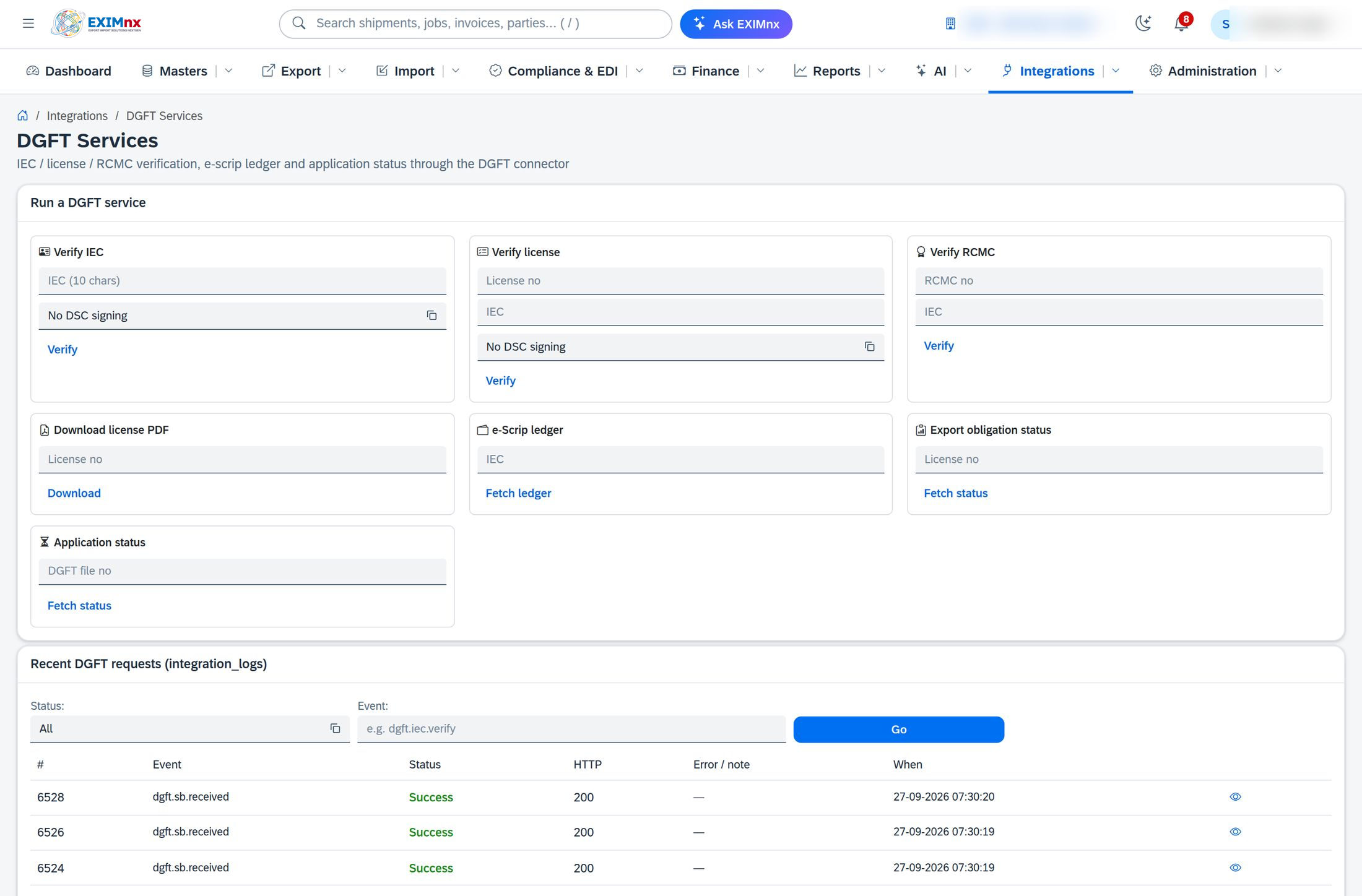
Where EXIMnx fits: EXIMnx already generates the certificate of origin from invoice data, records the FTA and origin assessment on the order through its Trade Advisor, and runs DGFT connectors with signed requests, per-connector credentials and a full request log. Talk to us about sending your CoO applications through the new API.
- DGFT Trade Notice No. 25/2026-27 dated 7 September 2026 and its Annexure-I help manual: dgft.gov.in
- Trade Connect e-Platform, Certificate of Origin: trade.gov.in
- Press Information Bureau release, 7 September 2026: pib.gov.in
This guide summarises the trade notice for planning purposes. Use the notice and Annexure-I for exact field specifications, and contact the DGFT helpdesk for onboarding questions.