

- Your AD bank reports each inward foreign remittance to DGFT as an IRM (Inward Remittance Message).
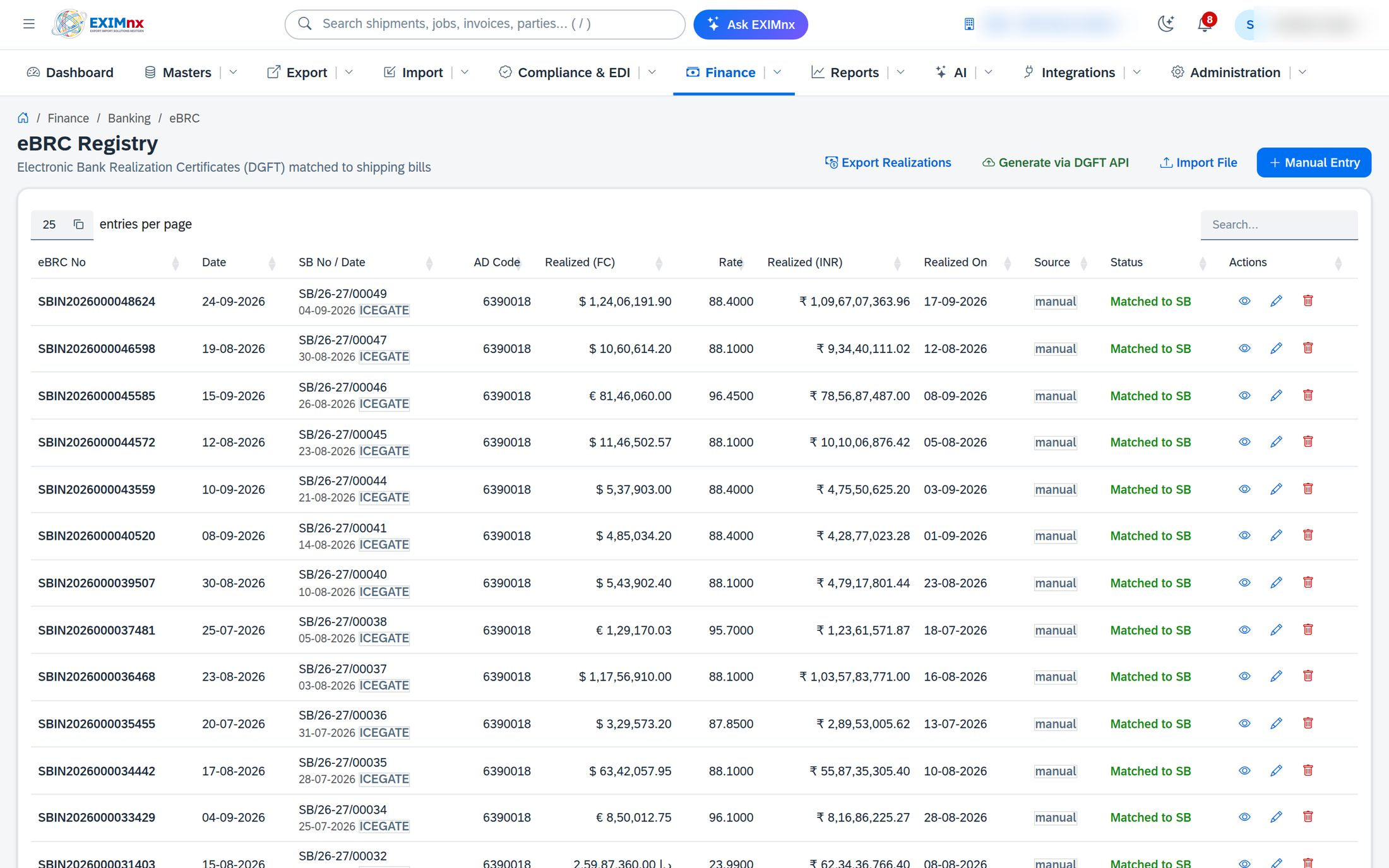
- You, the exporter, map each IRM to the shipping bills or invoices it pays for. DGFT then issues the eBRC.
- This can be done on the DGFT portal, in bulk, or through DGFT's API from your own system.
What an eBRC is used for
How the data flows
The important shift is that the exporter now drives the last step. The bank reports the money; you say which shipment it belongs to. If you never do that mapping, there is no eBRC, however long ago the buyer paid.
Generating an eBRC, step by step
- Check your IEC profile on the DGFT portal is current and your AD bank accounts are linked.
- Fetch the IRMs your bank has reported. Each IRM carries the remittance reference, date, currency, amount and the remitter.
- Match each IRM to its shipment(s) using your bank statement and invoice ledger: invoice number, shipping bill number and date, currency and amount.
- Submit the mapping. On the portal you do this one at a time or by bulk upload; larger exporters push it through DGFT's IEC-integration API.
- Check the status of the request, then download the eBRC and store its number against the shipment.
One Shipping Bill, three receipts
A ₹10 lakh Shipping Bill settled in parts. Hover or tab to a segment.
Show as a table
| Receipt | Amount |
|---|---|
| Advance IRM | ₹6,00,000 |
| Balance IRM | ₹3,80,000 |
| Bank charges | ₹20,000 |
| Shipping Bill value | ₹10,00,000 |
Part-payments, advances and bank charges
| Situation | What to do when mapping |
|---|---|
| One remittance, several invoices | Split the IRM across the shipping bills it settles, so the split amounts total the IRM. |
| Several remittances, one invoice | Map each IRM to the same shipping bill until the invoice is fully realised. |
| Advance payment | The IRM arrives before the shipping bill exists. Hold it as an advance and map it once the export is made. |
| Bank and foreign charges | The credited amount is lower than the invoice. Record the deduction so the shortfall is not read as unrealised value. |
Why eBRCs get held up
The IRM is not there yet. If the bank has not reported the remittance, there is nothing to map. Ask the bank to report it, quoting the remittance reference.
Wrong purpose code. A remittance received under a non-export purpose code may not show up for eBRC. The bank has to correct it.
Amount or currency mismatch. Usually caused by charges, rounding or a partial payment (see the table above).
How EXIMnx helps: BankLink imports MT940 and CAMT.053 statements, matches credits to invoices, then uses the DGFT eBRC API to fetch IRMs, push the mapping, poll status and book the eBRC. A sandbox is included for training. See BankLink & eBRC.
- DGFT eBRC and trade notices: dgft.gov.in
- RBI Master Direction on Export of Goods and Services: rbi.org.in
This guide is a practical overview, not legal advice. Check current DGFT trade notices before acting.